
10:0011:40
10:14
10:38
11:02
11:21
Clock offset
Match a trip to a GPX track
Set the camera's clock offset once. Every photo moves to where you were when you took it.
GeoPhoto puts your photos on the map, by hand or from a GPX track, and writes the location into the files when you press Save.
The first release for Windows 10 and 11 is on its way. Your first 50 photos will be free.

Every placement is staged first. Look it over, then save it all at once or discard it.
GeoPhoto copies each file before changing it, then reads the result back to check.
Each photo keeps a history of what was saved. Restore any earlier version later.
Built for the trip you just came back from: thousands of RAW files, a few with GPS, most without.
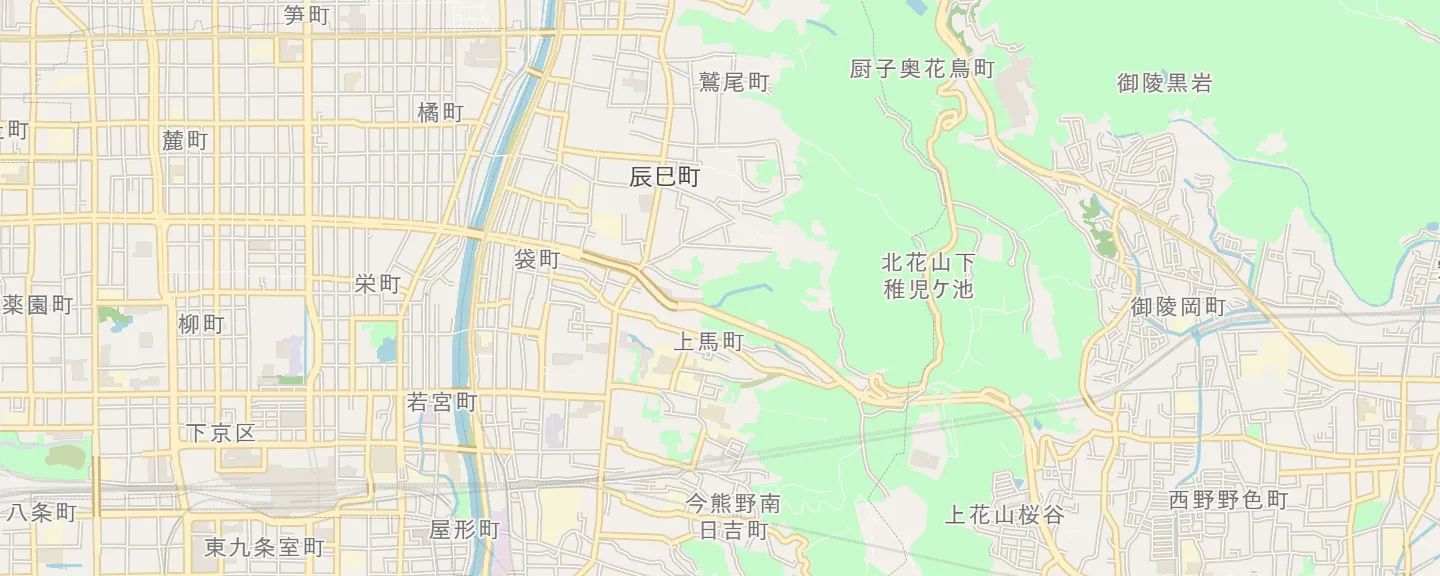
Set the camera's clock offset once. Every photo moves to where you were when you took it.
Forgot to change the camera clock on arrival? Shift one camera's photos at once. Time zones and daylight saving are handled.
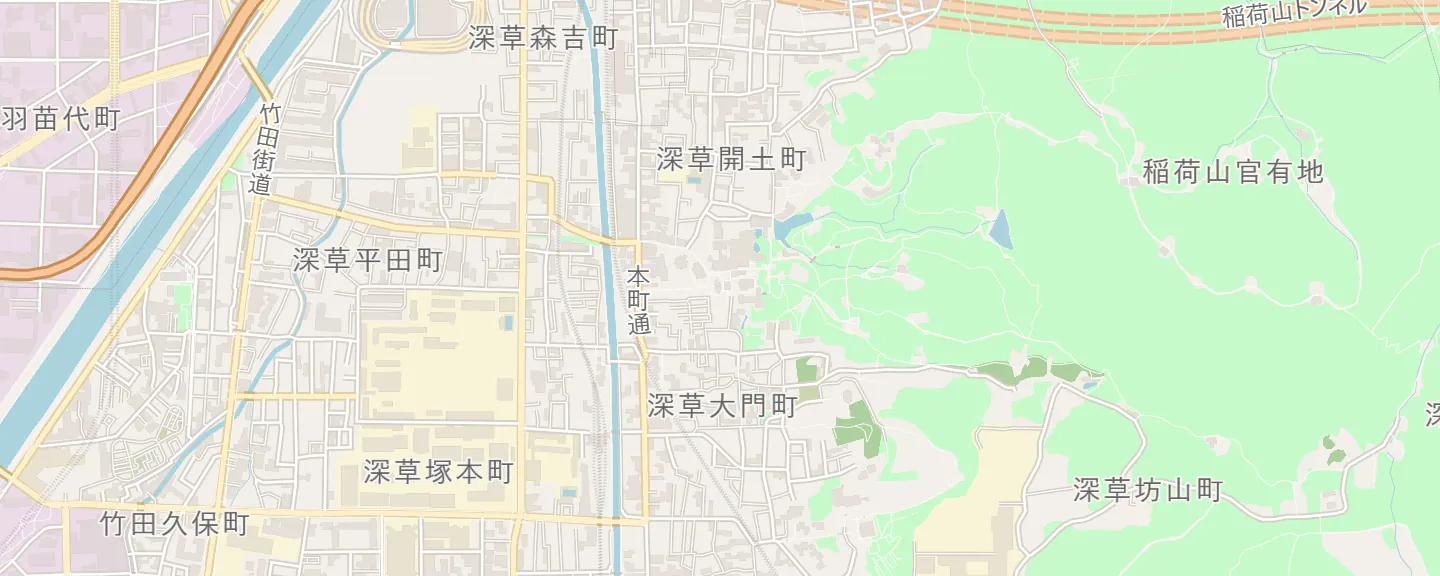
Type a temple, a street or coordinates. The map flies there and you drop the photo.
See what changed and when. Restoring is staged too, so you review it before saving.
Written with ExifTool, the standard tool for photo metadata, and checked by reading each file back.
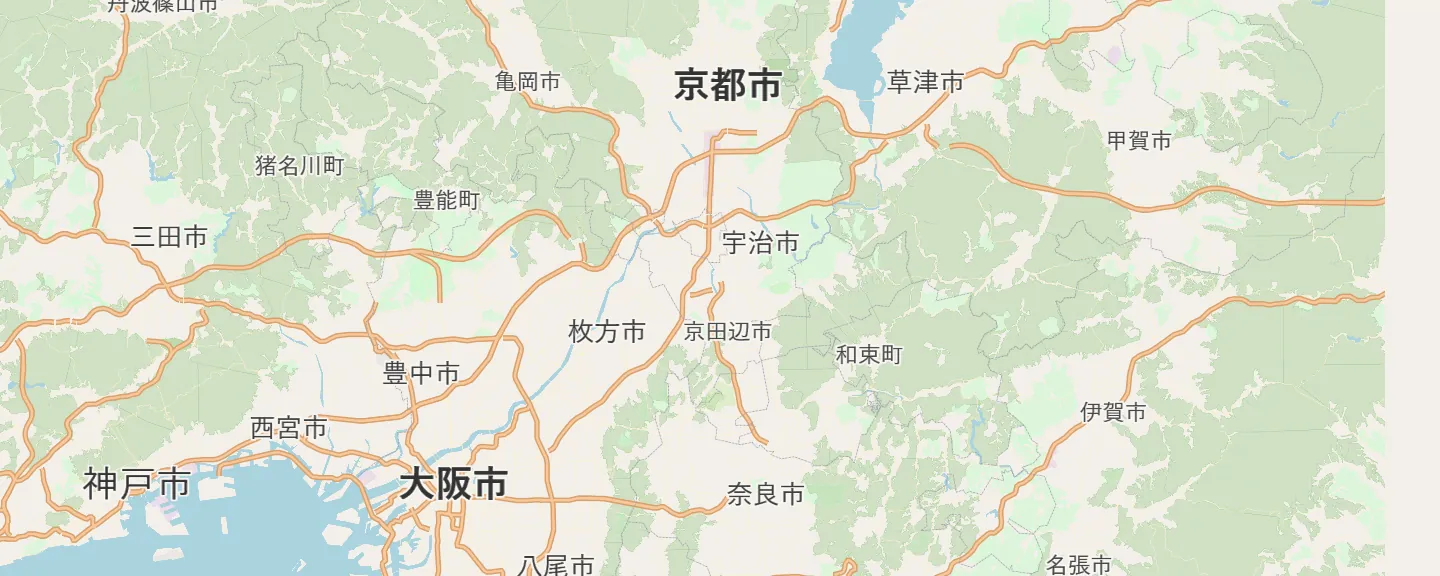
GeoPhoto draws the journey between your photos, by train, on foot or by car. Export it as GPX.
Try everything for free. Buy a license when you need to save more than 50 photos.
Try everything on your own photos.
For your whole library.
Prices in US dollars. Tax is added at checkout where it applies. Payments are handled by Creem.
No. Your photo files and their EXIF data never leave your computer, and GeoPhoto has no telemetry. A few features go online: the map loads tiles, place search sends the text you type, update checks contact GitHub, and the Footprint editor sends stop coordinates to a routing service. The Privacy Policy lists each one.
Only when you press Save. GeoPhoto backs up each file first, writes the new location or time with ExifTool, then reads the file back to check it. You can restore any earlier version from the photo's history.
GeoPhoto is new and doesn't have a paid code-signing certificate yet, so Windows shows this warning for a while. Click More info, then Run anyway. You can check the download against the SHA-256 below.
RAW files from Canon, Nikon, Sony, Panasonic, Fujifilm, OM System and DNG, plus HEIC, JPEG, PNG, TIFF and WebP. HEIC needs Microsoft's free HEVC Video Extensions.
Yes, on 3 at a time. To move it to another computer, remove an old one from the license page in Settings.
It's planned. The current release is for Windows 10 and 11, 64-bit.
The first release isn't out yet. Once it is, its file name, size and SHA-256 appear here.
Your first 50 photos are free.